

A frozen camera feed looks exactly like a working one.
Confirm your CCTV and live monitoring feeds are actually updating, not just connected. For security and operations teams who can't afford to discover a feed was frozen after the fact.
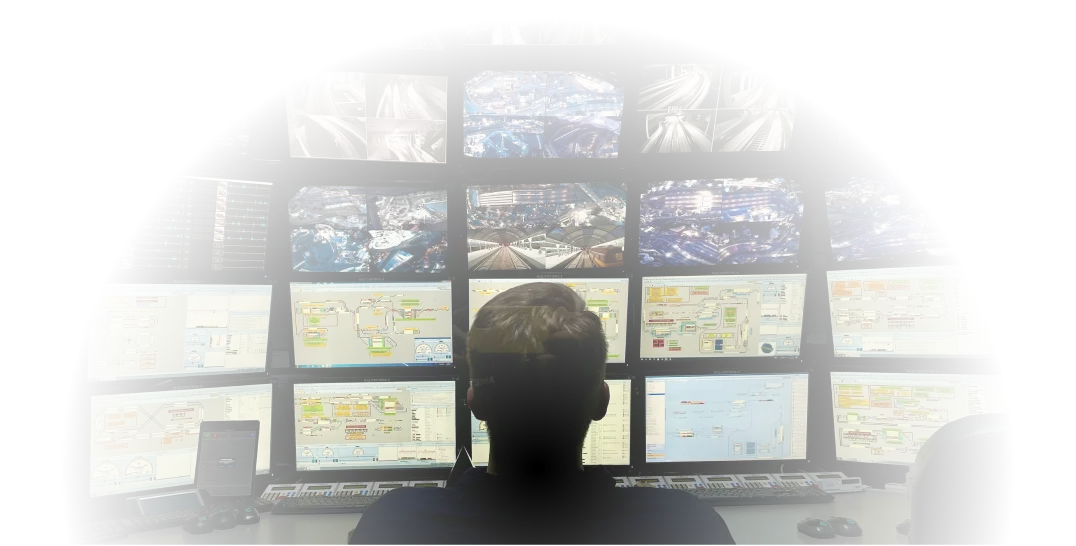
The problem
A CCTV or live monitoring feed can stay technically connected while the image itself has frozen, stopped refreshing, or silently failed. Most monitoring tools have no way to tell the difference, because they check whether something responds, not whether the picture is actually moving.
The fix
2Steps checks the image itself. A specific test step validates that a defined region of the screen is actually changing over time, confirming the feed is live, not just technically online.
This capability comes from the same pixel-level validation used across the wider 2Steps platform: checking what's genuinely on screen, the same way a person looking at the monitor would.
How it works
-
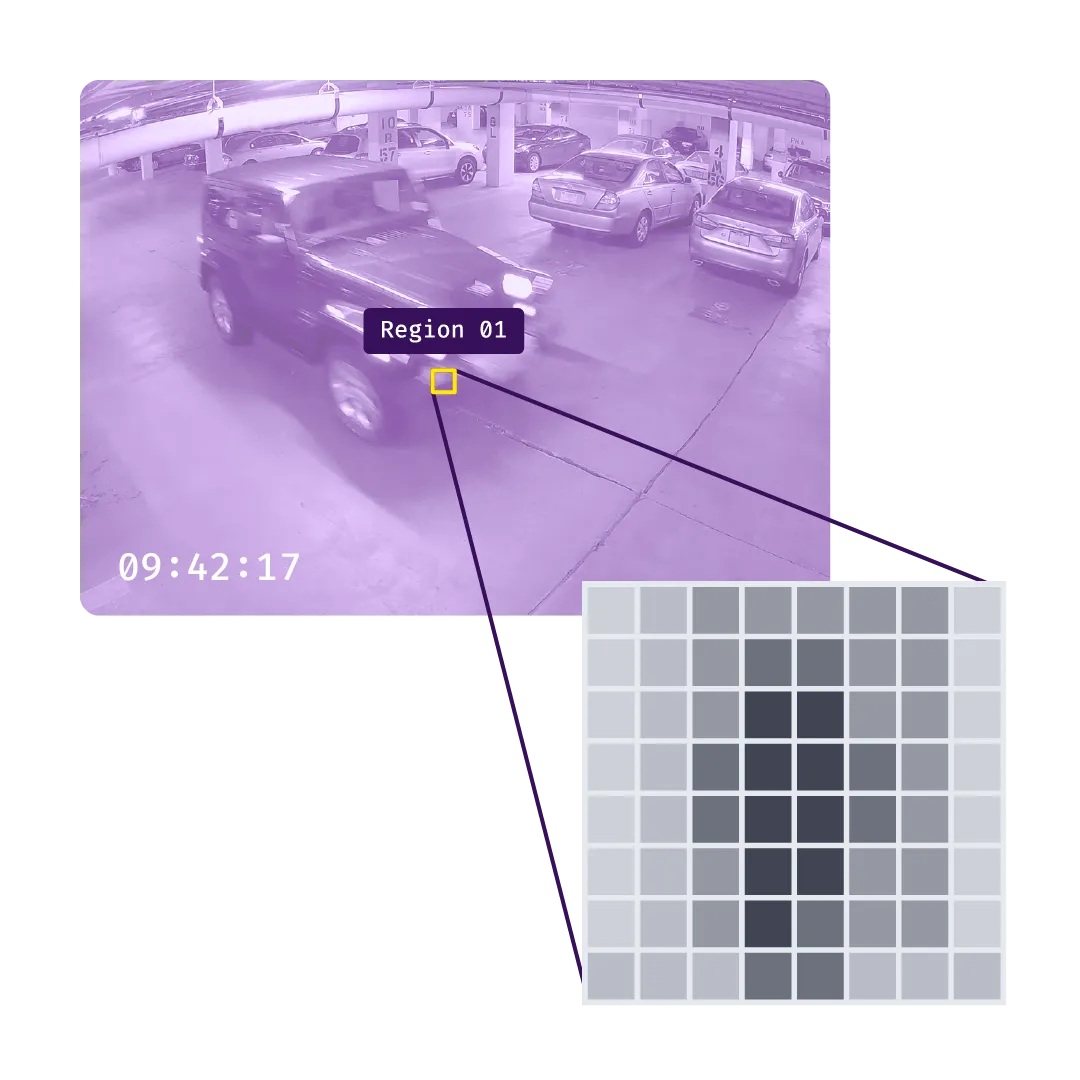
Watch region
Select a small region of the frame to monitor.
-
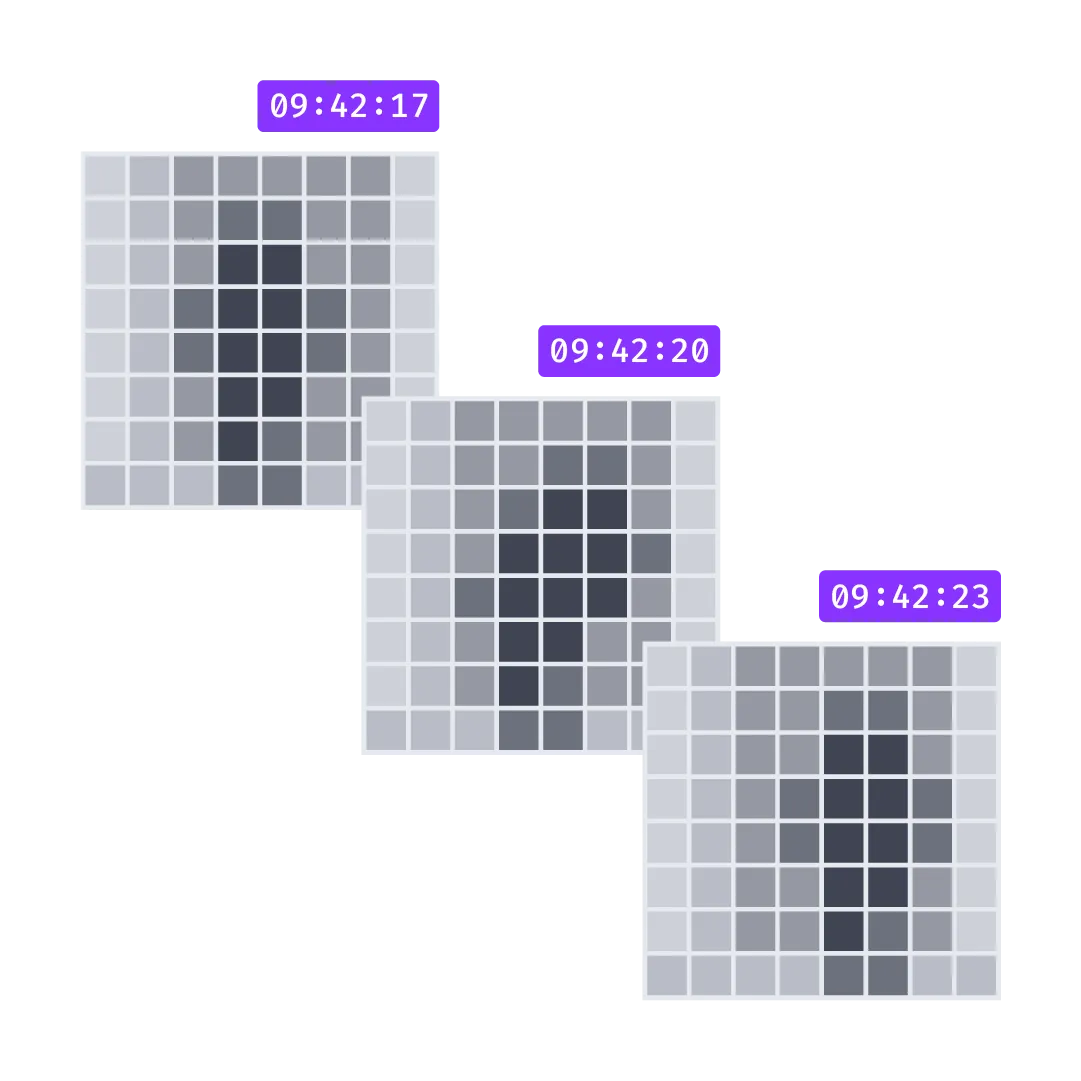
Compare pixels over time
Check if the pixels in this region change between consecutive frames.
-
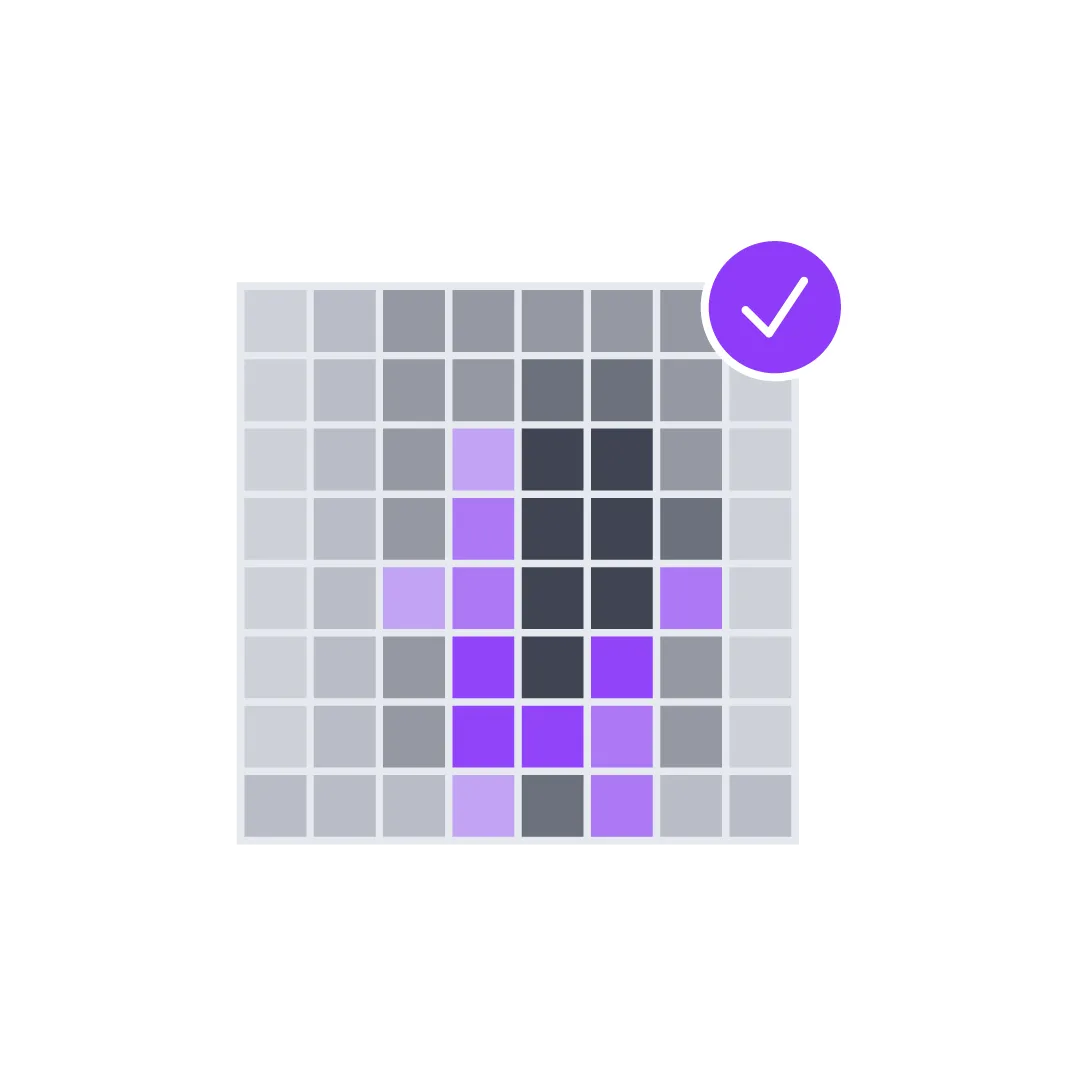
Confirm live feed
If pixel values change beyond a threshold, the feed is considered live.
-
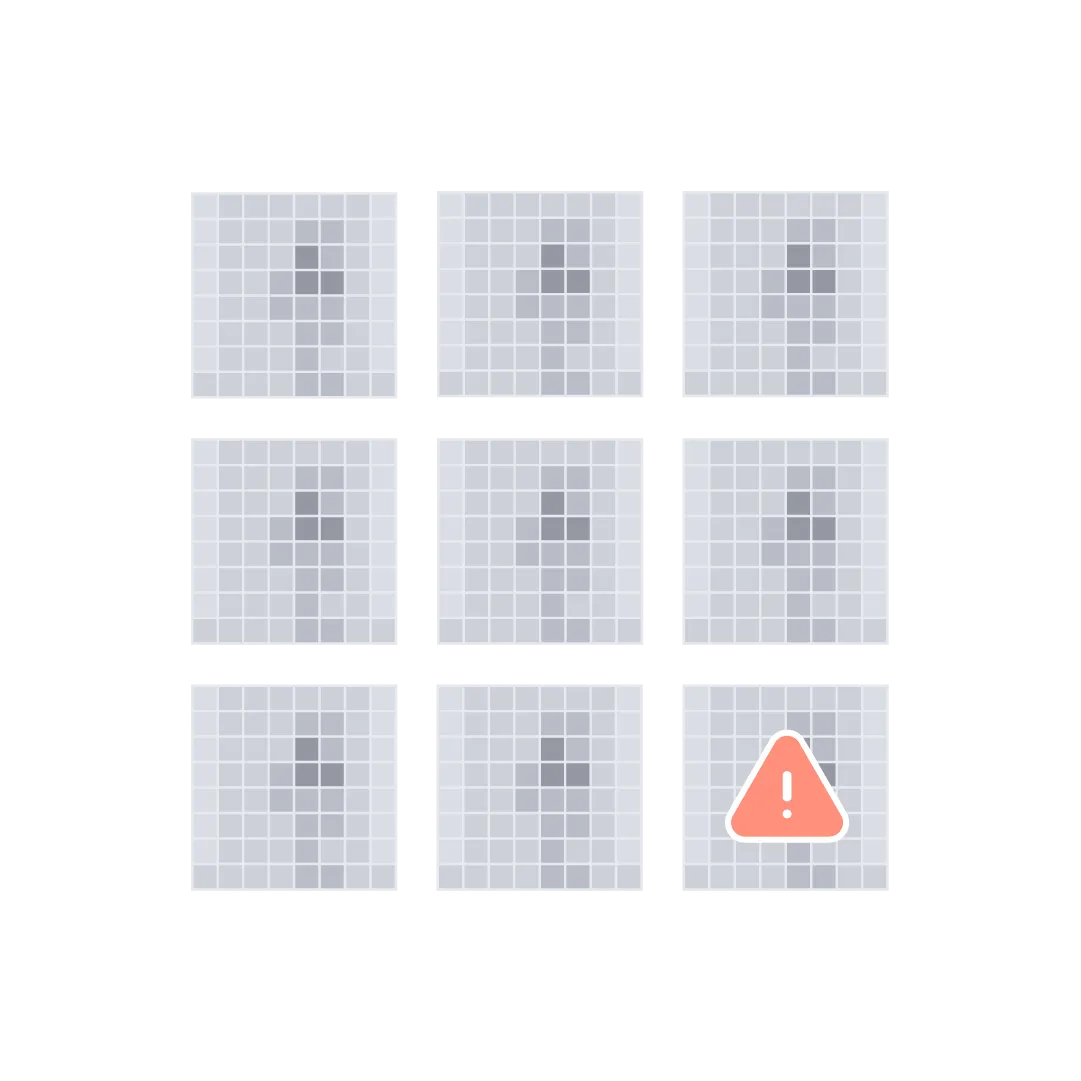
Flag frozen feed
If there's no significant change in pixel values over time, the feed is flagged as frozen.
Why it matters
- of downtime, reported by 91% of mid-size and large enterprises
- $300k+USD/hr
- of organisations have had a downtime incident last 8 hours or longer
- 54%
- long-standing cross-industry benchmark
- $5.6kUSD/min
Where it applies
CCTV and security camera feeds
Live operational and control-room dashboards
Any screen where "still connected" isn't the same as "still working"